Welcome to the Blog! Looking for something specific?
I've written dozens of deep-dives, guides, and quick-tip tutorials. There’s a handy search bar below so you can find exactly what you need in seconds.
Try typing in a few of these fan-favorite topics:
"Manual Mode" or "White Balance" to get instant control over your camera settings.
"Lightroom Classic" to streamline your catalog and tame your importing/exporting workflow.
"Composition" or "Inspiration" when you need a creative spark for your next shoot.
"Gear" to peek inside my camera bag and see what I actually use.
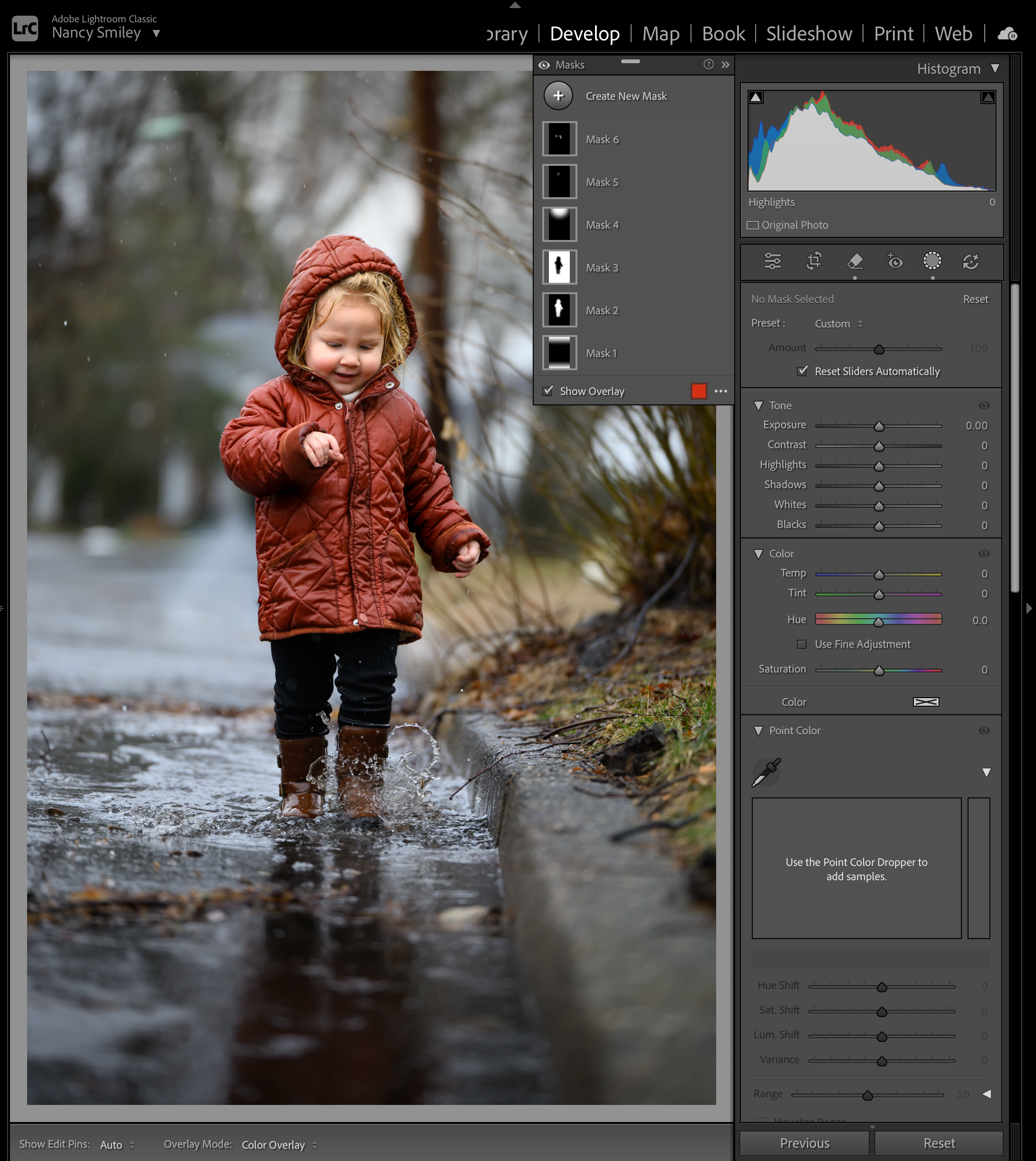
How to Fix Flat Lighting in Lightroom: A Step-by-Step Masking Guide
Brought a photo into Lightroom only to find the light is flat, dull, and missing depth? Don't delete it! Learn how to use targeted Lightroom masks—from Linear Gradients to AI Subject Selection—to sculpt natural light, create separation, and bring muddy overcast shots back to life.

15 Essential Lightroom Keyboard Shortcuts to Cut Your Editing Time in Half
Stop spending endless hours behind your screen tweaking sliders one by one! I love saving the day, so I’ve organized the most essential, time-saving Lightroom keyboard shortcuts by topic for you. Learn how to speed up your culling, streamline your Develop module edits, and customize your own hotkeys so you can spend less time editing and more time taking gorgeous photos.

Which Lightroom is Actually for You? Cloud vs. Classic
Stop believing the myth that Lightroom Classic is outdated. In this in-depth guide, we break down the technical gaps in the Develop module, the logistical hurdles of file management, and how to choose the right photography workflow for your professional goals. Whether you need an "Archive" powerhouse or a "Modern" mobile setup, we’ve got you covered.

Never Lose a Photo Again: A Foolproof Backup Strategy
Never lose a photo again! This essential guide introduces the foolproof 3-2-1 backup strategy to protect your digital photos from hard drive failures, accidental deletion, and other disasters.

From Overwhelm to Organized: 6 Essential Tips for Your Lightroom Classic Photo Collection
Ready to tame your photo chaos? Discover essential tips for digital declutter in Lightroom Classic! Learn how to organize your photos, set up a smart folder system, master culling, leverage keywords, and implement a reliable backup strategy to finally gain control of your digital image files and workflow. Download the free Lightroom Classic Photo Management Mini-Guide for instant help!