5 Essential Reasons to Master Photo Editing!
If there's one topic that pops up time and again in photography discussions, it's editing! It's the magical realm you enter after you've pressed the shutter and uploaded your images. 🤯 It's a whole new world to explore, and yes, it can feel a bit overwhelming at first.
It's easy to push editing to the back burner, or just slap on a preset and call it a day. But trust me, editing is a crucial part of the photography journey, and diving in sooner rather than later is a game-changer.
In this post, we'll uncover why editing is so important, what to keep in mind, and a smart learning path. Get ready to level up your photo skills! 🚀
Let's dive into the core reasons why editing is your photography superpower.
PS - need help deciding what editing software to get? I highly recommend the Photography Plan from Adobe. You can get Lightroom for about $12 a month, or Lightroom + Photoshop for $20 a month. You can learn more on their website!

#1 - Control Your Image: Camera vs. You 📸
When you snap a photo, your camera captures it as a RAW file, regardless of whether you're shooting in RAW or JPEG.
JPEG: If you're shooting in JPEG, your camera takes that RAW file and automatically applies saturation, contrast, noise reduction, sharpening, and other adjustments. It flattens the file and gives you a processed JPEG.
RAW: Shooting in RAW lets you take charge! Your camera leaves the editing untouched, allowing you to apply adjustments based on your vision.
Why is this important? Your camera doesn't know your intent. It blindly applies preset edits, often leading to less-than-ideal results. By editing yourself, you tailor each image to perfection.
🔗 Wondering if you’re giving yourself enough dynamic range to work with? Before you can push your shadow recovery, make sure your camera is saving all that rich image data! Read RAW vs. JPEG: Which Should You Be Shooting? to see how it changes your editing.
#2 - The Second Chance: Fix and Refine 🛠️
We all make mistakes. Maybe your white balance is off, the exposure is wonky, or there's an unwanted object in the background. Editing gives you a second chance to correct these issues.
RAW files offer more flexibility than JPEGs, allowing for greater adjustments to exposure and white balance.
Remember, editing isn't a magic wand. Aim to get it right in-camera, but know that editing can save the day when needed. 🤫
🔗 Tired of battling weird orange indoor lighting or green grass casts? Getting your white balance right in-camera makes editing a total breeze. Head over to 6 Different Ways to Set White Balance to nail clean, true-to-life color!

#3 - Storytelling Through Edits 📖
Editing lets you enhance the emotions and narratives within your photos. Sometimes, what you capture in-camera doesn't fully reflect the moment's feeling.
Enhance a warm, hazy sunset or accentuate the moodiness of a portrait.
Draw attention to specific elements to guide the viewer's eye.
(Learn to master storytelling through editing in The Lightroom Series!)
#4 - Developing Your Unique Style ✨
Editing allows you to stamp your personality onto your images. It's a key part of creating a consistent "look" that reflects your unique vision.
Experiment with different editing styles to discover what resonates with you.
Don't worry about finding your style immediately. It evolves over time.
🔗 Want to avoid that heavy-handed, "over-edited" look? Check out my breakdown of Avoid These 9 Deadly Editing Mistakes so you can keep your images looking polished, timeless, and natural.

#5 - Problem Solving and Creative Solutions 💡
Editing is also an amazing way to solve issues and come up with creative solutions that you may not have thought of in the moment of capture.
Maybe you have a photo that you want to be black and white, but you want to keep one object in color. Editing allows you to do that.
You may have captured a photo that has a lot of distracting elements, by using tools like the healing brush or clone tool, you can remove those distractions.
You can also crop an image in editing, to completely change the composition of your photo.
🔗 Ready to speed up your editing workflow so you aren't stuck at your computer for hours? Grab these quick efficiency hacks in 5 Post-Processing Power Moves!
Ready to Fall in Love With Your Editing Workflow?
Editing shouldn't feel like clicking sliders and hoping for the best—or panicking over missing files and messy catalogs.
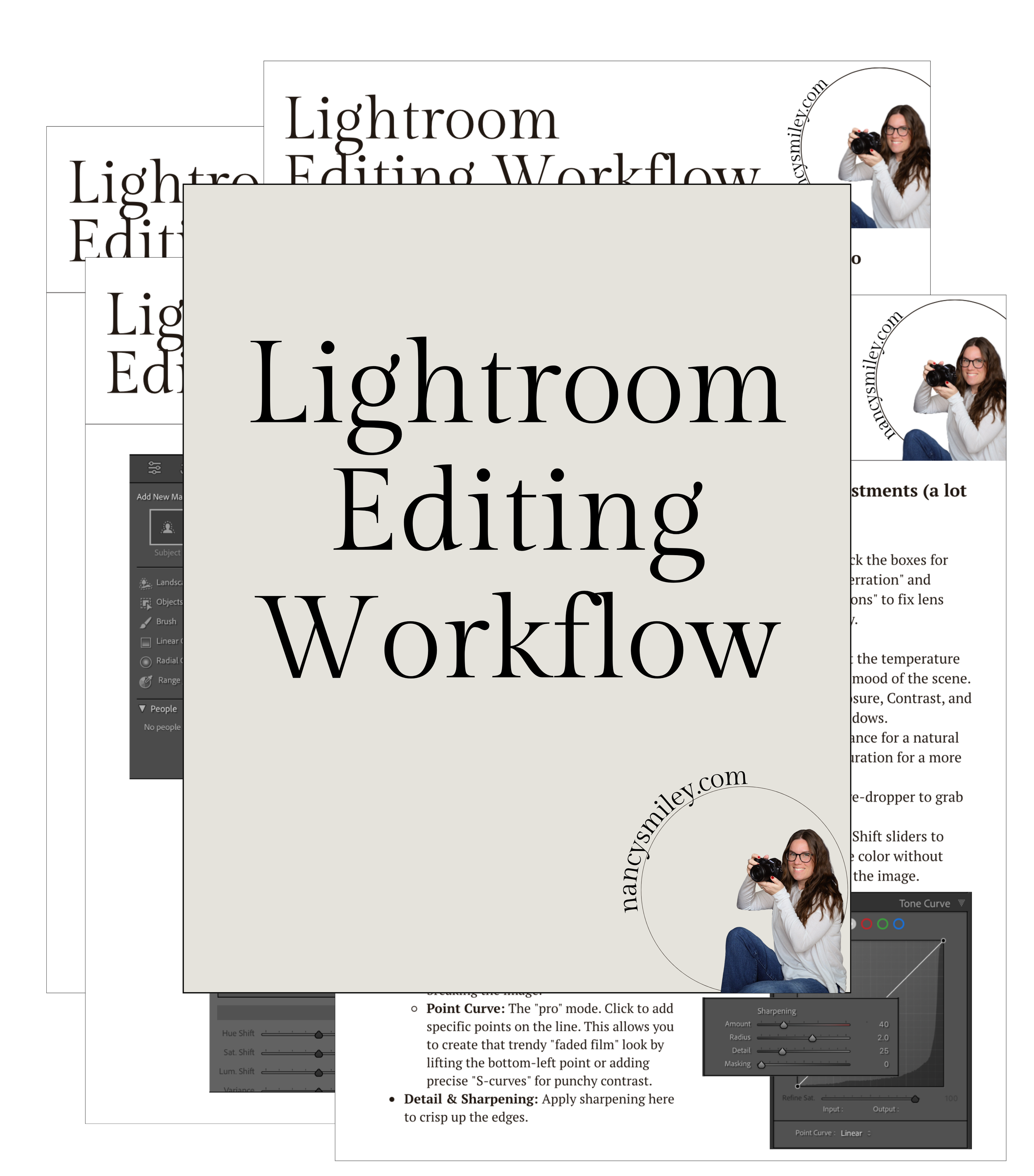
If you're ready to build a clean, repeatable editing system that brings out the true magic in your images, come hang out in The Lightroom Series:
Intro to Lightroom Training ($99): Master catalog management, repair missing files, and build a stress-free organizing framework.
Advanced Lightroom Training ($99): Move past basic tweaks and master Tone Curves, Color Grading, Calibration, and AI Masking for true creative control.
👥 Join 600+ Students Inside Our Community! You don't have to learn in a vacuum. When you join, you’ll also get access to our thriving, student-only Facebook group! It's our cozy corner of the internet where 600+ fellow photographers share their recent work, ask technical questions, troubleshoot gear, and cheer each other on every step of the way.