The Lightroom Series
Professional education designed to be accessible. Every training is $99 or less.
Editing should empower you, not make you feel like you’re ruining your own image. This series is designed to give you a streamlined, professional Lightroom workflow that removes the guesswork from your editing. You'll walk away with the confidence to clean up your files and add that final, polished 'wow' factor to every gallery you deliver.
Because it’s hard to get creative when you’re stressed about missing files or clicking sliders and hoping for the best.
Why You Need Both Trainings:
The Workflow (Intro): Master the Catalog System and Nancy’s 'Missing File' Rescue Protocol so you never see the dreaded "?" or "!" icons again.
The Precision (Advanced): Move past the basic sliders and use Tone Curves, Color Grading and Calibration, and AI Masking to finally take the vision in your head and actually put it on the screen.
Get the Complete Lightroom Series: Less Stress, More Magic
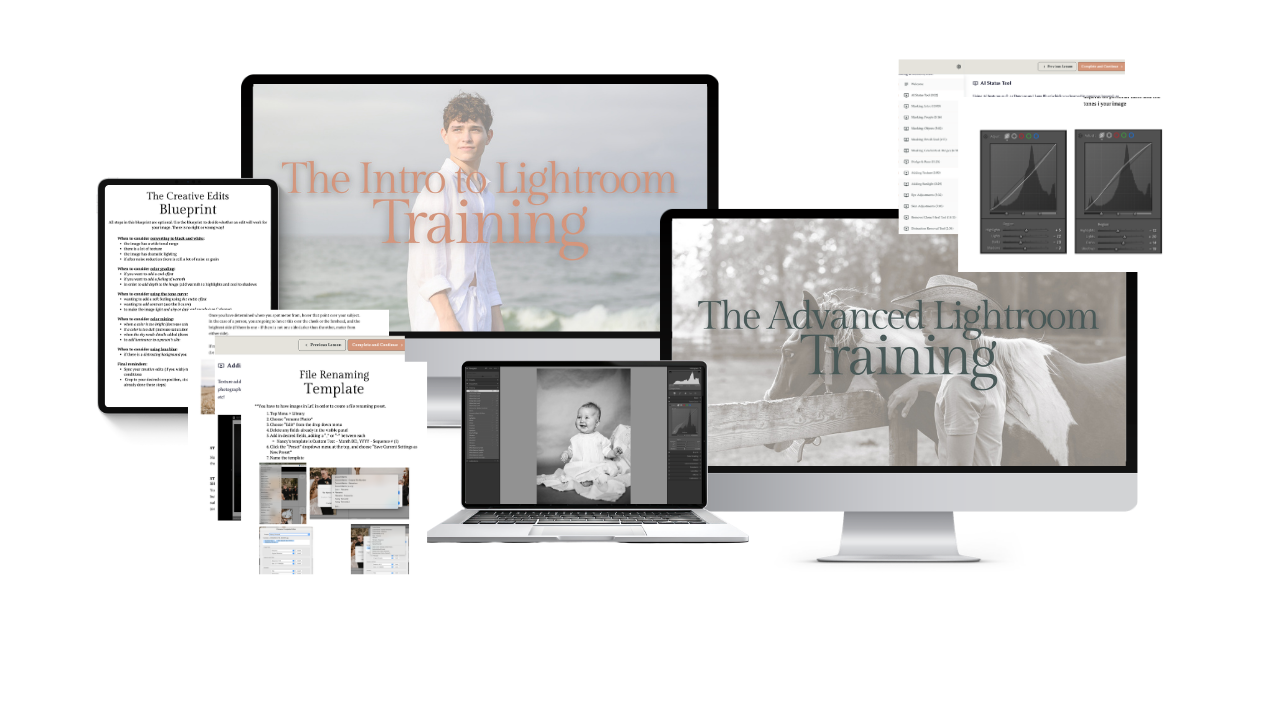
3 Steps to Editing Bliss:
Create Student Account: Set up your student login (this is where your trainings live!).
Secure Checkout: Complete your enrollment with our encrypted payment processor.
Start Learning: Dive into the first module immediately.
Grab the Bundle & Save $49!
✓ The Intro to Lightroom Training ($99 Value)
✓ The Advanced Lightroom Training ($99 Value)
✓ The "Missing File" Repair Guide
✓ The Pro Organizer's Checklist
✓ Social Media & Print Export Presets
The Intro to Lightroom Training

You know the potential in your images—you can see the final transformation in your head. But the second you open Lightroom, that vision hits a wall of sliders and icons. You’re staring at a screen full of "missing file" icons and clicking sliders at random, hoping you’ll accidentally stumble onto a professional result.
What this training gives you:
A "Bulletproof" Library: Learn to build a folder and catalog system that stays organized as your portfolio grows.
The "Rescue" Protocol: Never panic again when Lightroom "loses" a file. Nancy teaches exactly how to reconnect your hard drive.
Intentional Editing: Stop "guessing" with sliders. Learn exactly how Highlights, Shadows, and Dehaze work to create a clean, professional aesthetic.
The Batch Power: Learn to edit one photo and apply it to a hundred in seconds—because your time is valuable.
-
Understanding the "Catalog" vs. the "Hard Drive." We cover Lightroom versions, building a folder system that works, choosing the right preview sizes, and the secret to renaming files so you can actually find them.
-
The Right Way to Import. Whether you're moving files from a folder or a memory card, we’ll set up a workflow that ensures your images are safe, backed up, and ready to edit.
-
Developing Your Vision. A deep dive into Exposure, Contrast, White Balance, and the "Detail Trifecta" (Clarity, Texture, Dehaze). Plus, learning the subtle art of Vibrance vs. Saturation.
-
Beyond the Basics. We master Lens Corrections, Sharpening, and the B&W Decision Matrix to see if your image earns a monochrome conversion. We also cover Virtual Copies for experimenting without risk.
-
Sharing Your Work. Specific presets and settings for social media (no more blurry IG posts!) and the technical requirements for high-quality printing.
Lightroom isn't just an editing app; it's an organization system. In this training, Nancy teaches you the "Why" behind the "How." We’re going to build a rock-solid foundation so you can spend less time behind the screen and more time behind the lens.
Important Stuff:
⏱️ Instant Access
You can start right now. You’re not behind, you’re right on time.
⏳ Exclusively Online & Self-Paced
This is your training and you make the rules. Start and finish when you want — revisit any time.
🫱🏼🫲🏽 500 Students Strong
Recommended by photographers who all grow together. Every training grants access to Nancy’s online student community.
The Advanced Lightroom Training

You understand the basic sliders and how the Library module works—but your images are missing that "magic." You want a signature style, those cinematic colors, glowing skin, and dramatic skies you see from your favorite pros, but you’re stuck in the Basic Panel, and your library of thousands of images is becoming impossible to navigate.
What this training gives you:
The "Cinematic" Secret: Master the Tone Curve and Color Grading wheel to create a signature style that basic sliders can't touch.
Targeted Retouching: Learn to enhance eyes, whiten teeth, and soften skin without making your subjects look "fake."
Advanced Masking: Recover lost skies and add realistic sun flares to transform "boring" light into something magical.
Pro-Level Organization: Use facial recognition, color labels, and smart keywords to find any photo in your library in under 5 seconds.
-
The Sculptor's Tools. Master the Tone Curve for ultimate contrast control. Dive into Color Mixing and Color Gradingto create professional color palettes and cinematic moods.
-
How to use the Brush tool and Masking to recover lost skies. Plus, the creative art of adding texture and realistic sun flares to your scenes.
-
The Perfect Portrait. Specific workflows for eyes and teeth whitening, skin softening, and my secret for reducing skin redness without affecting the rest of the photo.
-
Speed Up Your Selection. Learn my "Culling" system using star ratings and color labels. Build Collections to group your best work and use AI Facial Recognition to "Find People" automatically.
-
Never Lose a Photo Again. How to use Keywords and metadata for easy searching, turning a messy hard drive into a professional, searchable database.
Know Before You Go: This is an advanced technical training. Importing, exporting, and the basic panel sliders are not covered in this training. To get the most out of this, you should have already completed the Intro to Lightroom Training or be fully comfortable with the Lightroom Catalog system.
Important Stuff:
⏱️ Instant Access
You can start right now. You’re not behind, you’re right on time.
⏳ Exclusively Online & Self-Paced
This is your training and you make the rules. Start and finish when you want — revisit any time.
🫱🏼🫲🏽 500 Students Strong
Recommended by photographers who all grow together. Every training grants access to Nancy’s online student community.
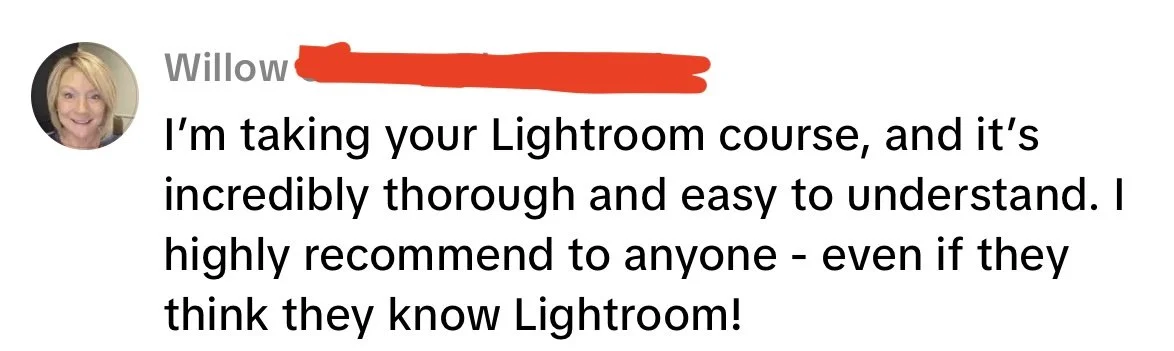
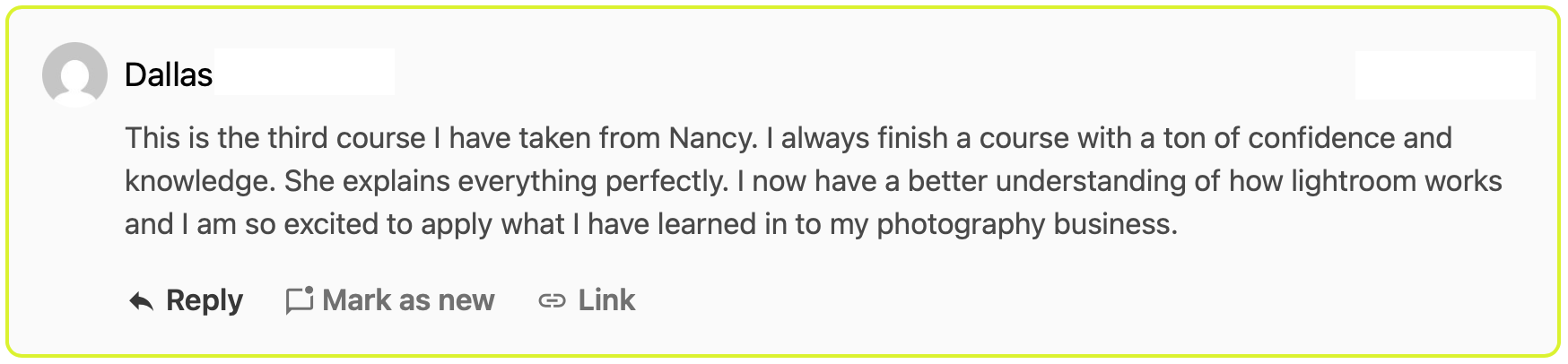
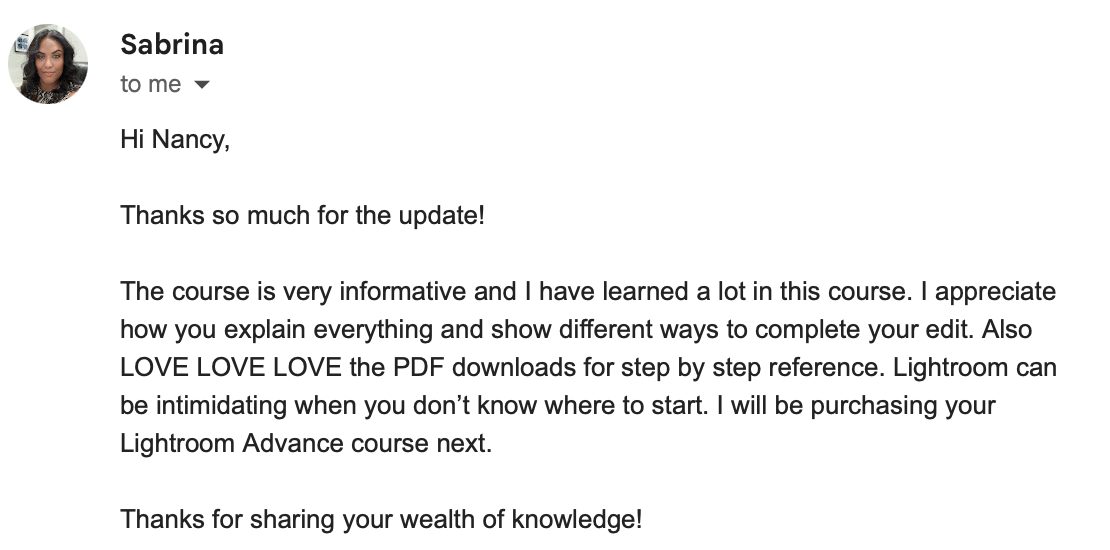
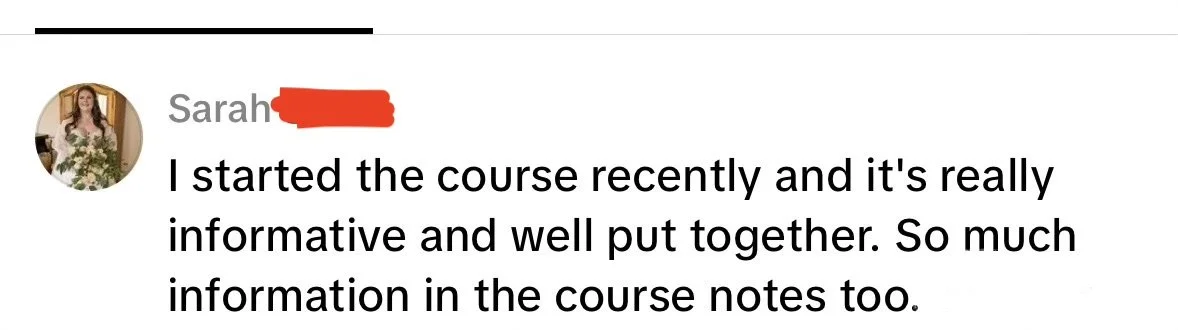
What students say about The Lightroom Series ✺


Meet Nancy

I believe editing should be the finishing touch on your vision, not a source of hours-long frustration.
My streamlined, professional Lightroom workflows have helped hundreds of people simplify their post-processing and find a consistent style.
Because I’ve seen these exact methods save so many of my students time and stress, I’m confident I can help you find that "wow" factor in your own work.
✺ Frequently asked questions ✺
-
You’ll create a username and password right here on our student portal! You can log in anytime and pick back up where you left off.
-
You have instant access to all of the material, and future updates, for the lifetime of the training. Take your time, take it twice if you want!
-
If you’re brand new, I would encourage you to master using your camera first. Editing comes so much easier when you’ve gotten a great shot in camera. If you need help with that, check out The Camera Series!
-
You’ll need an Adobe Lightroom plan. Nancy uses Lightroom Classic, but you can definitely apply these techniques to Lightroom cloud!
-
In the training you will find an FAQ for each module, with answers to all of the most common questions received. If you feel like you need personalized help, please leave it in the student group for Nancy and your peers.
-
I truly want you to succeed in this training. That’s why you can enroll risk-free for 7 days.
If you complete the training and feel it wasn’t right for you, just email me within 7 days and you’ll receive a full refund — no hard feelings.